

Item Summary#
With this, the 日本語 learner can switch between Kanji and Hiragana seamlessly, allowing for an uninterrupted reading experience.
Item Description#
When reading Japanese as a new learner, the amount of new, unknown Kanji can become overwhelming, and can make people feel frustrated with having to go away from the screen to look up words. With this extension, learners can easily switch between Kanji and Hiragana to ensure an uninterrupted reading experience. They can also toggle specific words to switch back and forth for Hiragana/Kanji. They can also simply press the button again to switch back between the two.
Usage#
Let’s take a page from the Aozora Bunko, for example. You can notice all of the various kanji on the screen that a new learner might not know: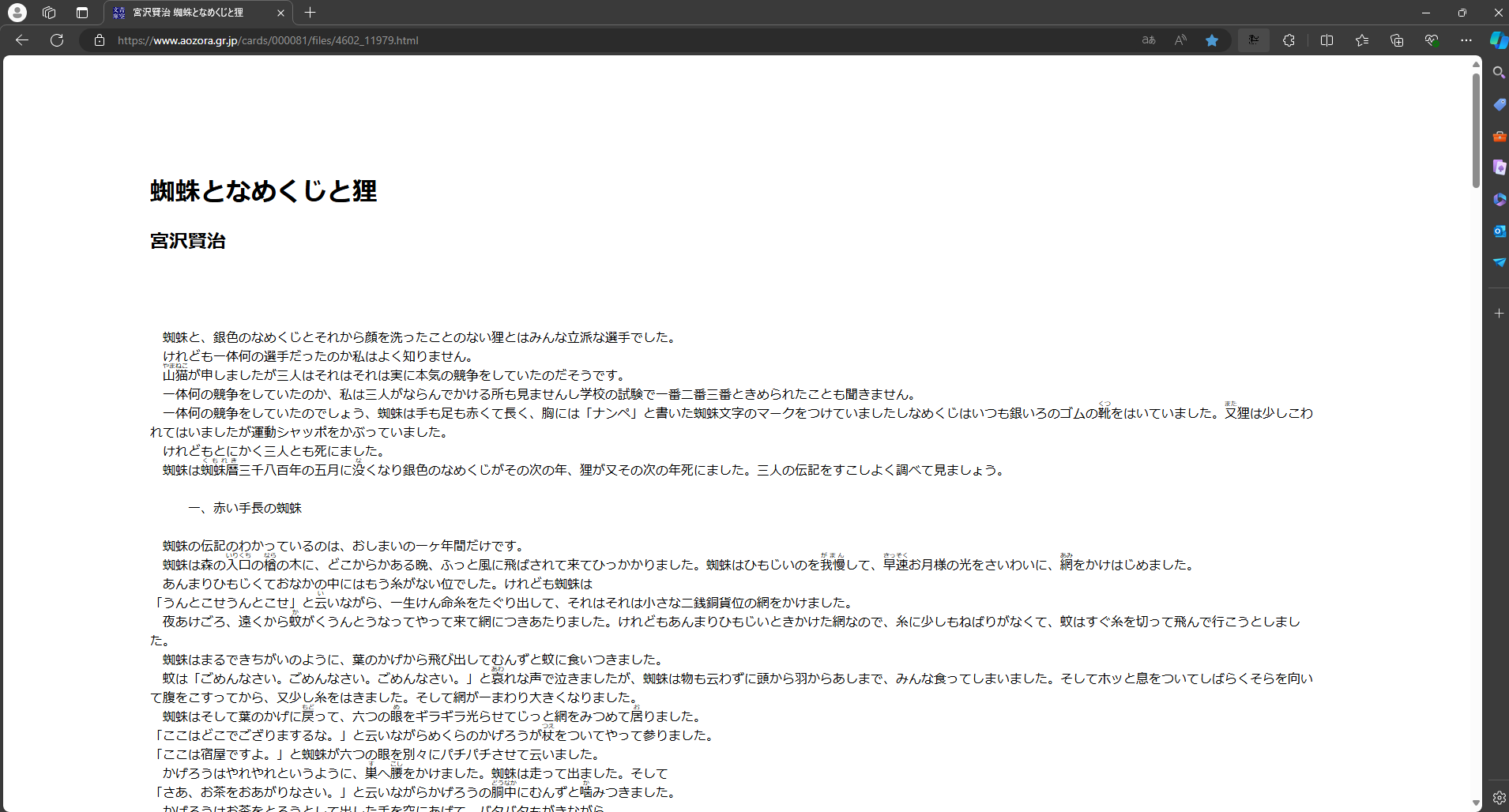
Now, clicking on the extension will give us an option to switch between kanji and hiragana: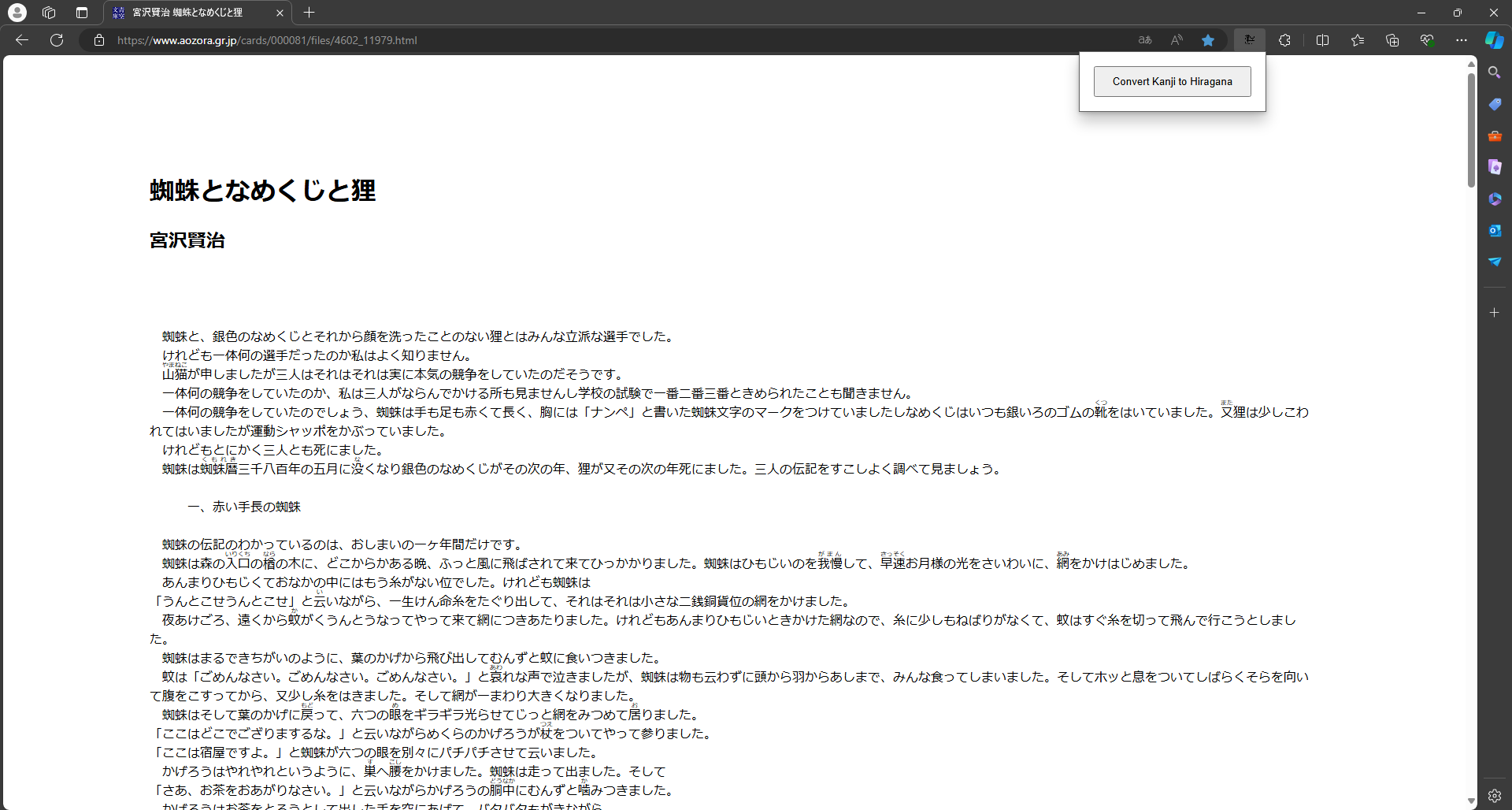
After clicking on the extension, we can see that all of the kanji have been transformed to hiragana, and the kanji that have been transformed are underlined so the user knows which hiragana belong to which word: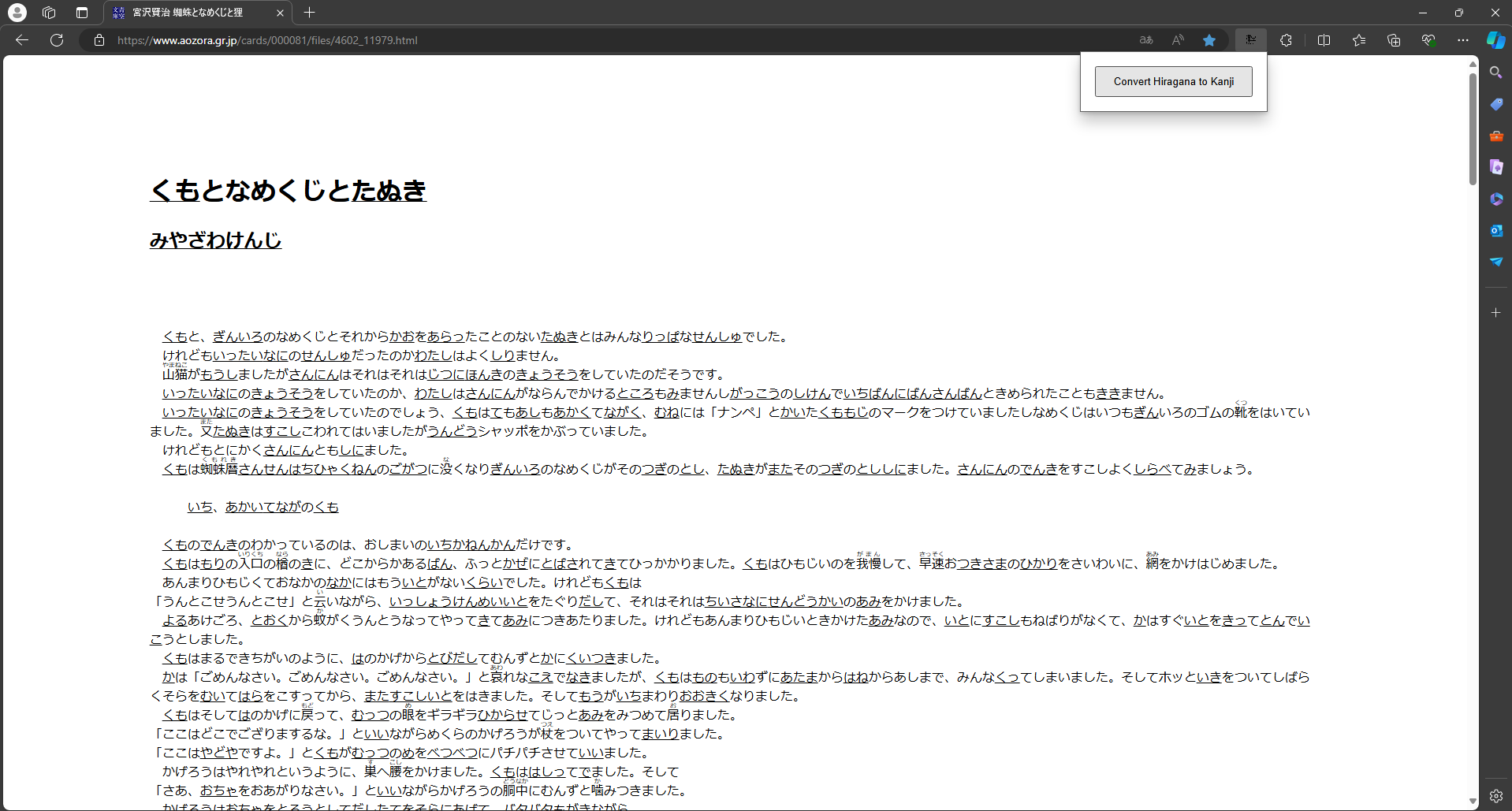
Let’s click back on the very first word, to see what its original kanji was! You’ll be able to click on this multiple times to switch back and forth:
Awesome! We can see that 蜘蛛 is くも in hiragana! Using some reading in context, maybe you could have found out that it means spider. Now, what if we want to change it back? Clicking the extension resets everything to how it was: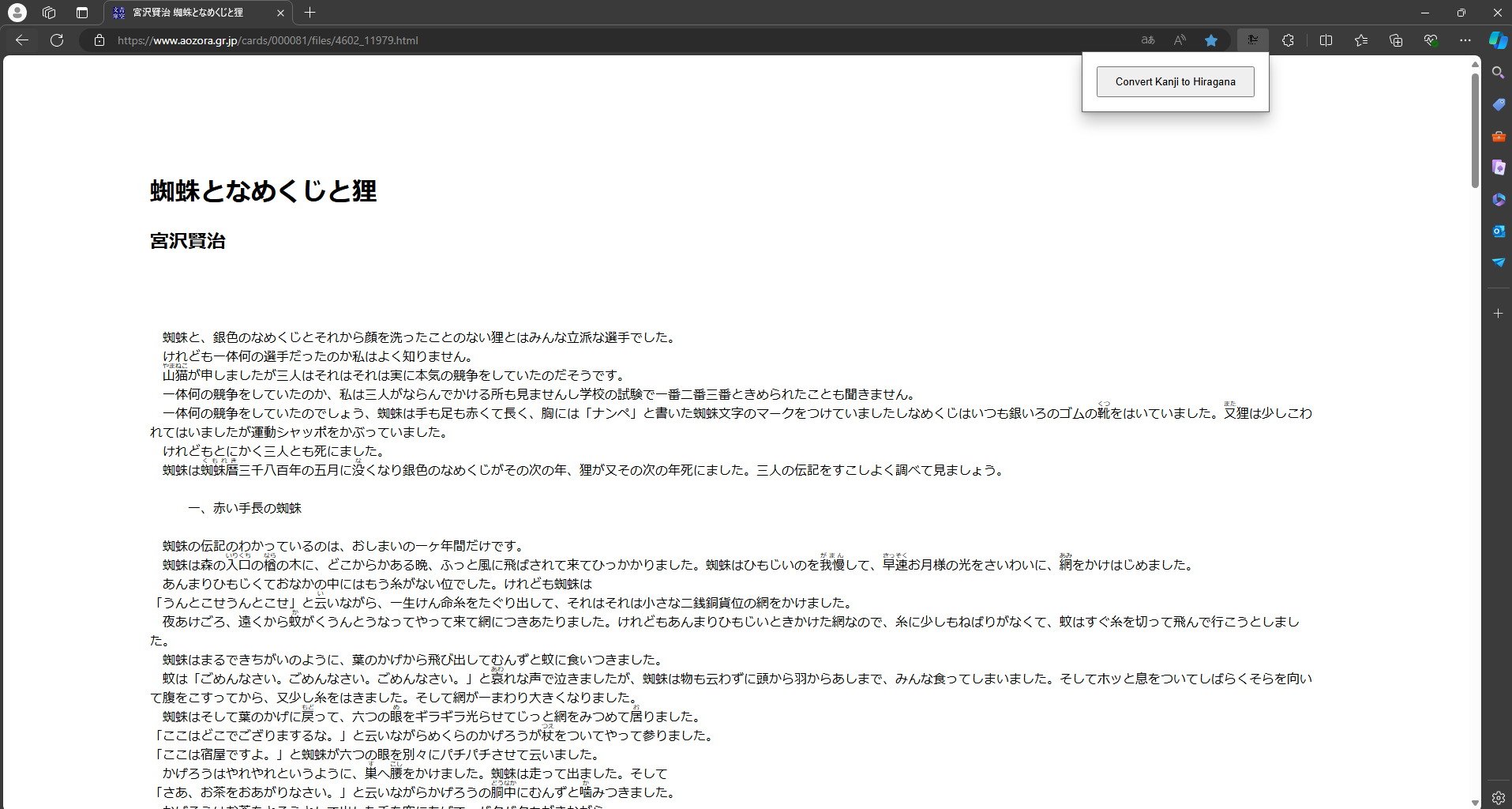
Motivation#
I didn’t like having my reading experience interrupted, so I built this chrome extension. I hope you like the extension! Let me know your thoughts!